Bedless Fajr › A Fajr alarm that rings when your iPhone is on silent
A Fajr alarm that rings when your iPhone is on silent
By Zakariya Telitel, independent developer of Bedless Fajr · Updated
You put the phone on silent at night. The prayer app sent its adhan at 5:13. You never heard it. Here is why, and what actually rings.
Notification vs alarm: two different things on iOS
When a prayer app delivers the adhan as a notification, iOS treats it as optional: the silent switch mutes it, Focus and Sleep modes hide it, and a notification sound is capped at 30 seconds. That is fine for Dhuhr at your desk. At 5 AM, in Sleep Focus, with the switch on silent, a notification is a text message you will read at 8.
An alarm is a different system object. Since iOS 26, third-party apps can schedule real alarms through Apple's AlarmKit, the same mechanism as the Clock app; iOS asks you to allow Alarms for each app. Once you allow Alarms for Bedless Fajr, its alarm:
- rings through the silent switch and every Focus mode, including Sleep;
- rings again within two minutes until your mission is done (for up to an hour, never after sunrise);
- is scheduled with the system, not kept alive by the app: it rings even if the app is closed, and after a restart;
- on the lock screen, rings as a system alarm, with a button that opens the app.
How to test whether your app really rings
- Put the phone on silent and turn on Sleep Focus.
- Set the app to ring in one minute (Bedless Fajr has this under Settings → Try it → “Ring in 1 min”).
- Lock the phone and wait.
If you hear nothing, the app is sending a notification, not an alarm. Bedless Fajr does that too if you haven't allowed Alarms for it: without that permission, it falls back to a notification.
Why the adhan still plays in full
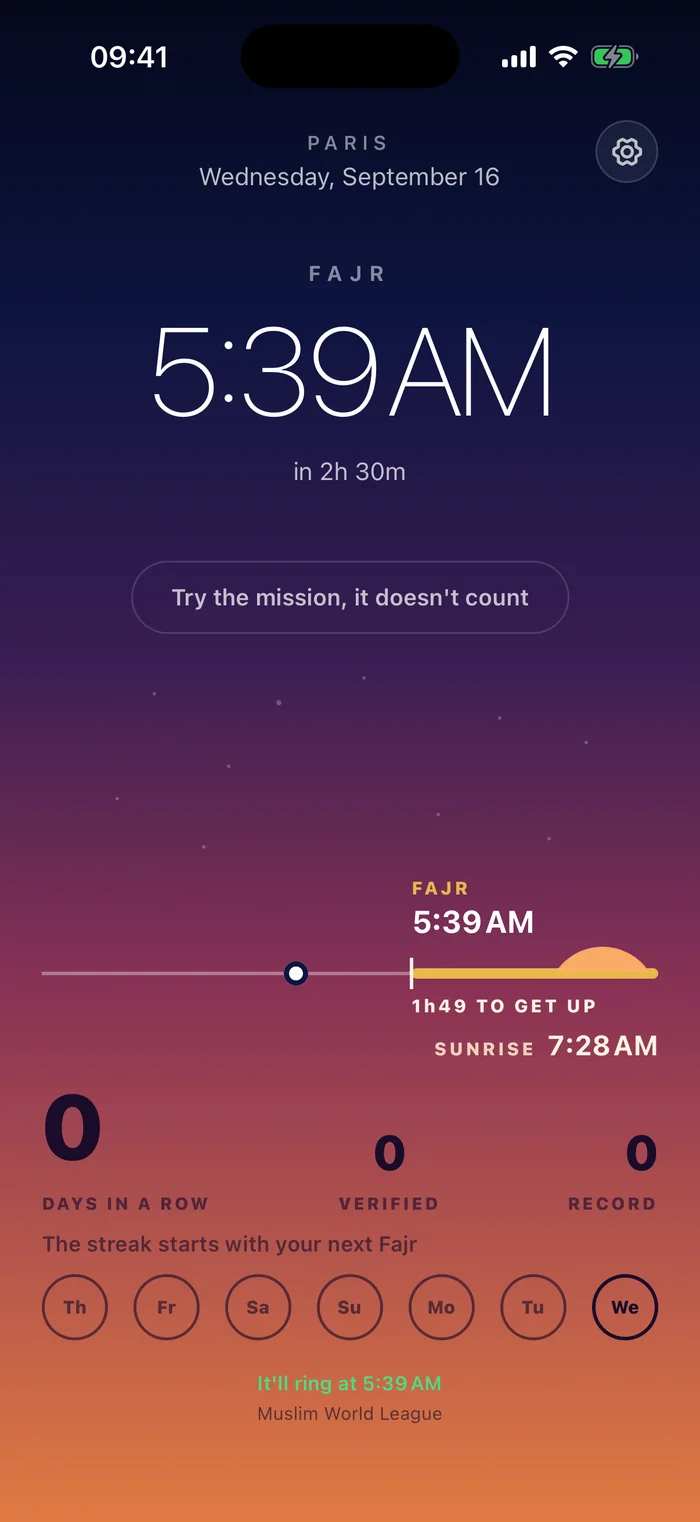
On iOS 26.1 or later, the alarm plays a Fajr adhan recorded in Doha by default; Apple limits alarm sounds to 30 seconds. Open the app during the Fajr window and the adhan plays in full. The adhan is the default sound; you can pick another tone or your own file. In the app, “mute” silences it for now and, once you allow Alarms, the next ring comes within two minutes. You get both: once you allow Alarms, an alarm that rings through silent mode, and the adhan you wanted.
Snooze is the other leak
Even a real alarm is useless if it has a snooze button, because you press it before your brain is awake. The first three minutes after waking are when sleep inertia is at its worst. An alarm for Fajr should not offer one. Bedless Fajr has no snooze button. Once you allow Alarms, silence it from the lock screen and it rings again within two minutes, until a photo of the target it picked (your sink, your prayer mat, a glass of water, or your toothbrush or siwak) proves you're up. For the morning you really can't get up, there is a way out without a photo: what happens when you can't get up.
What about Android?
Android has had exact alarms for years, and apps like Alarmy use them. The catch on Android is battery optimisation killing the app. On iPhone, the catch was that apps could not set real alarms at all until iOS 26. Bedless Fajr is for iPhone, iOS 26 or later; there is no Android version.
Questions
Do prayer apps ring on silent mode?
It depends on how they ring. A notification's sound is muted by the silent switch. A system alarm (AlarmKit, iOS 26) rings through it, once you allow Alarms for the app. Some apps keep themselves running in the background all night instead; their publishers say the alarm can't ring if you force-quit the app (HayatTime, FajrBuddy).
Does Bedless Fajr ring in Sleep Focus?
Yes, once you allow Alarms for Bedless Fajr. It sets a system alarm, the same kind as the Clock app: Sleep Focus, Do Not Disturb and the silent switch don't mute it. The full answer, with how to test it, is in the home page FAQ.
Does the alarm work if I close the app or restart the phone?
Yes. The alarm is scheduled with the system, not kept alive by the app: it rings even if the app is closed, and after a restart.
Can I use the adhan as an iPhone alarm sound?
With Bedless Fajr, yes. On iOS 26.1 or later, the alarm plays a Fajr adhan recorded in Doha by default; Apple limits alarm sounds to 30 seconds. Open the app during the Fajr window and the adhan plays in full.
Test it tonight
Settings → Try it → “Ring in 1 min”. Put the phone on silent. If it doesn't ring, you've lost a minute. Once you've allowed Alarms for Bedless Fajr, it rings. Every way the alarm can stop.
See how Bedless Fajr worksAlso read: How to wake up for Fajr · The three knots hadith